
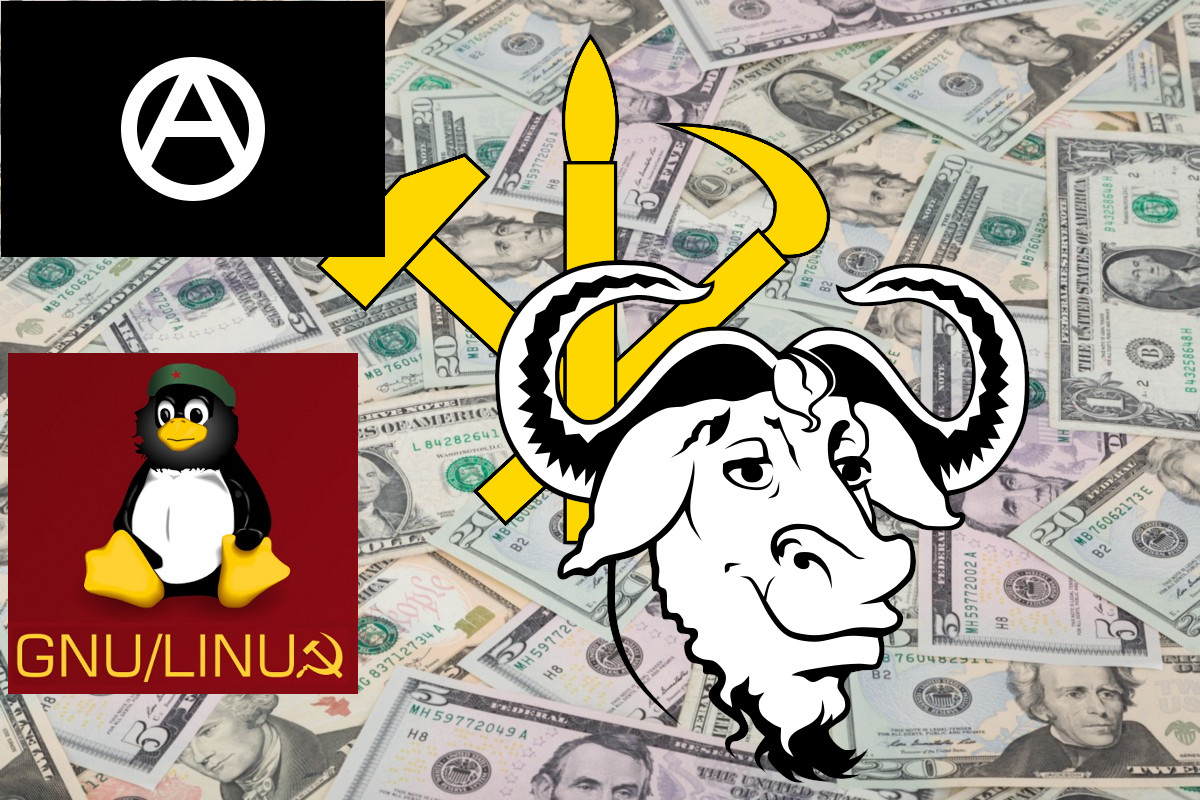
Is free software anarchist or capitalist? Some call it communist, others say it is capitalist, anarchist... Who is right? Who is right, and do the following comments made by former Microsoft CEO Steve Ballmer make sense?
Keep reading Free software and politicsAuthor: Jorge Maldonado Ventura
Aliases to streamline tasks in Bash
Aliases, as the name suggests, are used to call a command by another
name. The command to which an alias is applied will work as if it had
been called directly. For example, if I want to go to the parent
directory with the command .., I only have to create an alias from the
terminal with the following command: alias ..='cd ...'.
You probably already have several aliases created and don't know it. If
you run alias, you will see the aliases you have already defined. These
aliases are defined in the .bashrc file, where you can add your own
aliases (remember to reload the Bash configuration after adding them so that
you can start using them without restarting the computer). But if you
want to add a lot of them and you want to distinguish which ones are
yours, it is advisable to have them in a separate file.
In the .bashrc file you will probably find these lines or some similar ones:
# Alias definitions.
# You may want to put all your additions into a separate file like
# ~/.bash_aliases, instead of adding them here directly.
# See /usr/share/doc/bash-doc/examples in the bash-doc package.

if [ -f ~/.bash_aliases ]; then
    . ~/.bash_aliases
fi
This means that every time you start Bash, it loads the aliases found in
the ~/.bash_aliases file if it exists. If you don't have this file yet,
create it and add some aliases to help you in your day-to-day work. They
will save you a lot of time in the long run.
Here are some useful aliases:
alias ....='cd ../../..'
alias ...='cd ../..'
alias ..='cd ..'
alias install='sudo apt-get install'
alias search='apt-cache search'
alias update='sudo apt-get update && sudo apt-get upgrade'
I have a repository at https://notabug.org/jorgesumle/bash_aliases with all my aliases, take a look at it and copy the ones you find useful.

The stupid QR codes in restaurants
Before, you could go to a restaurant, look at the menu and order: it was as simple as that. Now many places don't even have a physical menu anymore; they assume the customer has a “smart” phone and an internet connection. If this is the case, the customer is expected to use the camera and scan the QR code, which takes them to a web page that does not respect their privacy, often takes a long time to load and, in many cases, is not very intuitive.
It is inefficient, it pollutes more
Loading a web page with images from a remote server, for every customer, is polluting. With a physical menu, no electricity is wasted, people can reuse the menu indefinitely... If there is no Internet or you have no battery, how do you read the menu with the QR?
Without privacy
When we visit a website we leave a digital footprint. If we use a QR codes to consult the menu, there are companies, governments, etc., that can know that we have read the menu of a specific restaurant at a specific time.
Customers also lose their privacy when they pay by card instead of using cash, but that's another issue.

Better without QR-codes
I don't have a “smart” phone and I don't like restaurants. If I eat in a restaurant, I ask for the physical menu. If they don't give it to me, they have to tell me the menu, because I have no way of seeing the QR code. Most restaurant food is unhealthy, the workers are often exploited, a lot of food is wasted, there are few vegan options, and so on. The restaurant industry has many problems. The use of QR codes for menus is just another step in the wrong direction, but it's very easy to combat by refusing to use a “smart” phone to scan a stupid QR code.
xdg-open
xdg-open is a very interesting command. With it we can open any
program or URL from the command line. If I were to run xdg-open
https://freakspot.net, it would open the home page of this website
with my default browser, and then I could execute another command.
One disadvantage is that we can only pass one argument to it, so to
open two web pages we would have to run xdg-open twice.

Crop multimedia file with FFmpeg
If you only want to edit a multimedia file to crop its beginning, end or
both, the fastest option is to use
FFmpeg. FFmpeg can be installed
in Debian-based distributions with sudo apt install ffmpeg.
If we want to remove the 10 first seconds of a multimedia file, we only have to execute FFmpeg like this:
ffmpeg -i music.mp3 -ss 10 music2.mp3
After -i you have to specify the file that you want to edit
(music.mp3); -ss followed by 10 indicates the seconds that we want
to remove; finally, you can specify the name of the new file,
music2.mp3.
If we want to remove both the beginning and the end, we can add the
-to argument:
ffmpeg -i music.mp3 -ss 15 -to 04:10 music2.mp3
After -to there must be a position, in this case minute 4 and second 10
(04:10). There is also the possibility of using -t, which to get the
same result would be used like this:
ffmpeg -i music.mp3 -ss 15 -t 235 music2.mp3
-t indicates that it will record into the new file until 235 seconds
have passed . In this case, those new 235 seconds will be recorded after
skipping the first 15 seconds.